> ## Documentation Index
> Fetch the complete documentation index at: https://docs.polywin.bot/llms.txt
> Use this file to discover all available pages before exploring further.
# Set Up Your Wallet
> Your wallet, your keys, your funds.
PolyWin creates a non-custodial wallet for you the first time you open the bot. No seed phrase setup, no extension, no external app — but you stay in full control.
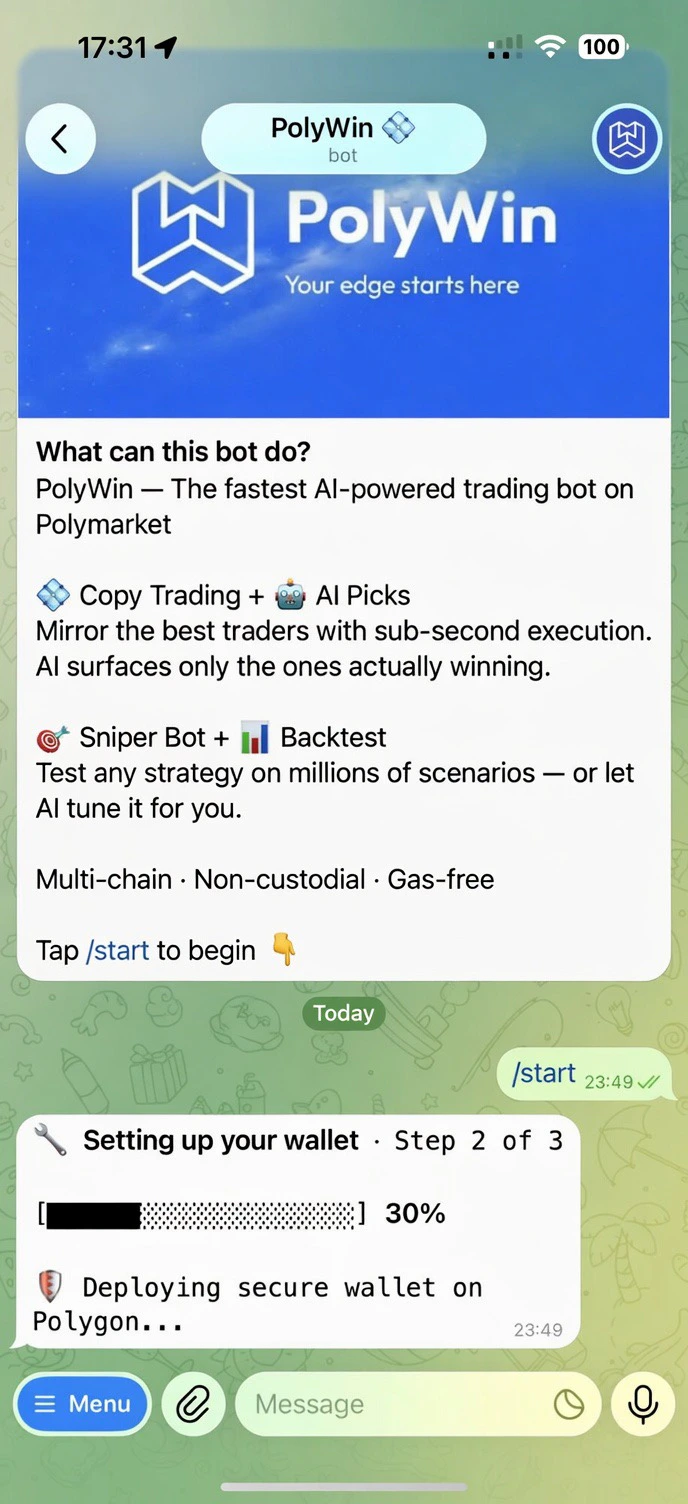
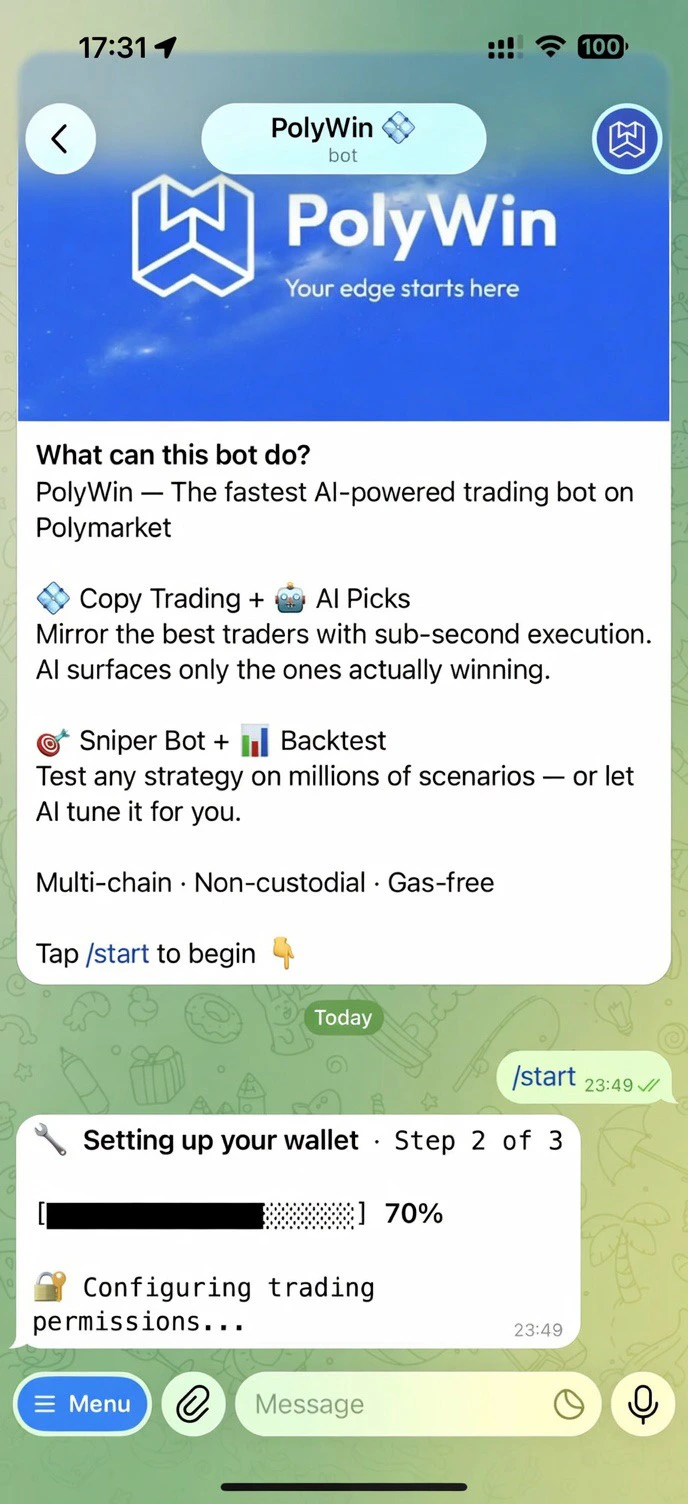
After you pick a language, the bot walks through three quick stages — deploy, approve, addresses — with a live progress bar. The whole thing takes about 15 seconds.
 ## What happens on first start
Your non-custodial wallet is created on Polygon.
Trading permissions are configured so you can buy and sell instantly with no per-trade signing.
A unique deposit address is provisioned for 10 supported chains. Send a supported asset (USDC on Polygon, or any of the bridged options) to fund your account.
## Your control
* **Non-custodial** — your wallet, your keys.
* **Exportable** — pull your private key out of the bot at any time.
* **Two-factor authentication** — protect access with TOTP from any authenticator app.
* **Multi-wallet** — add up to 5 wallets and switch between them.
How encryption, 2FA, and exports work in PolyWin.
## What happens on first start
Your non-custodial wallet is created on Polygon.
Trading permissions are configured so you can buy and sell instantly with no per-trade signing.
A unique deposit address is provisioned for 10 supported chains. Send a supported asset (USDC on Polygon, or any of the bridged options) to fund your account.
## Your control
* **Non-custodial** — your wallet, your keys.
* **Exportable** — pull your private key out of the bot at any time.
* **Two-factor authentication** — protect access with TOTP from any authenticator app.
* **Multi-wallet** — add up to 5 wallets and switch between them.
How encryption, 2FA, and exports work in PolyWin.