> ## Documentation Index
> Fetch the complete documentation index at: https://docs.polywin.bot/llms.txt
> Use this file to discover all available pages before exploring further.
# Final Snipe
> Lightning-fast market entries when the setup fires.
Final Snipe places a market order the instant your defined entry condition hits. No watching the book, no manual click — the bot fires on your behalf.
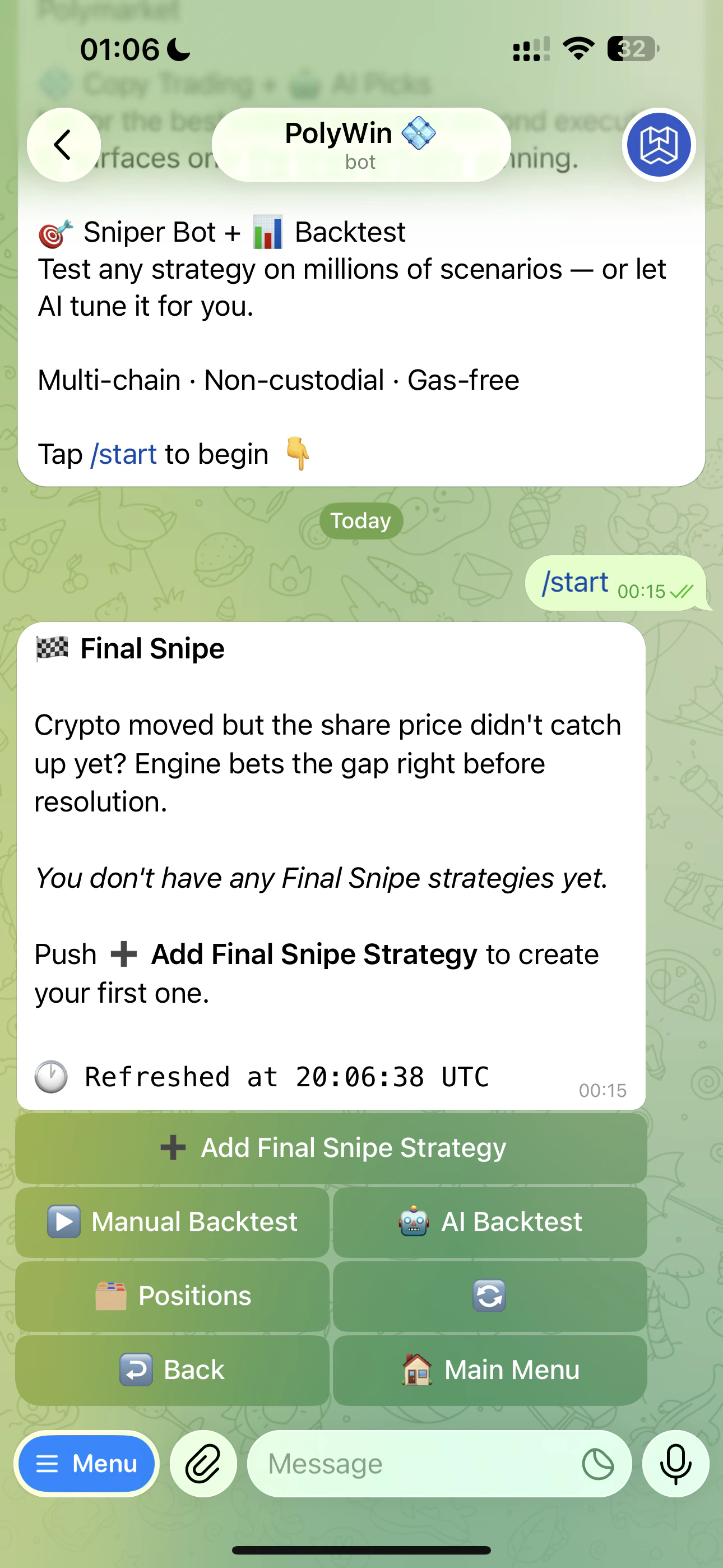 From the Final Snipe hub you can add a new strategy, run a manual or AI-powered backtest first, or jump to your snipe positions.
## When to use it
* You have a directional thesis (up, down, or both) on an asset over a timeframe
* You want to be in the moment a setup triggers, with no slippage from manual reaction
* You're trading short timeframes (5m, 15m) where every second matters
## What you configure
BTC, ETH, SOL, XRP, BNB, DOGE, or HYPE — and one of 5m / 15m / 1h / 4h.
Up only, Down only, or Up and Down.
Optional toggles for timing window, minimum price to buy, and price movement threshold.
Fixed USD amount per trigger.
Max trades per market, slippage tolerance.
Step-by-step setup of every field.
Every Final Snipe is auto-named (e.g. "Final Snipe BTC 5m 30s \$10") so it's easy to find later. You can rename anytime.
From the Final Snipe hub you can add a new strategy, run a manual or AI-powered backtest first, or jump to your snipe positions.
## When to use it
* You have a directional thesis (up, down, or both) on an asset over a timeframe
* You want to be in the moment a setup triggers, with no slippage from manual reaction
* You're trading short timeframes (5m, 15m) where every second matters
## What you configure
BTC, ETH, SOL, XRP, BNB, DOGE, or HYPE — and one of 5m / 15m / 1h / 4h.
Up only, Down only, or Up and Down.
Optional toggles for timing window, minimum price to buy, and price movement threshold.
Fixed USD amount per trigger.
Max trades per market, slippage tolerance.
Step-by-step setup of every field.
Every Final Snipe is auto-named (e.g. "Final Snipe BTC 5m 30s \$10") so it's easy to find later. You can rename anytime.