

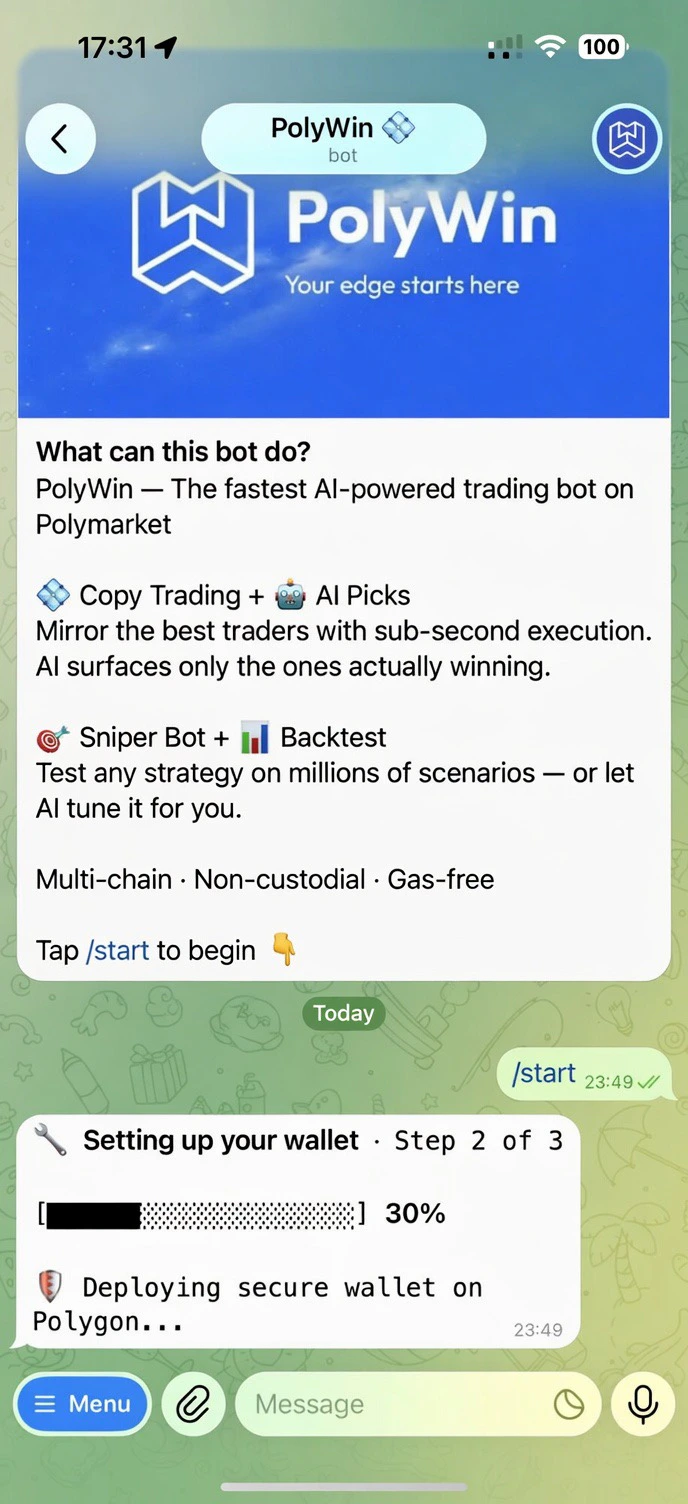
Stage 1 — deploying your wallet on Polygon
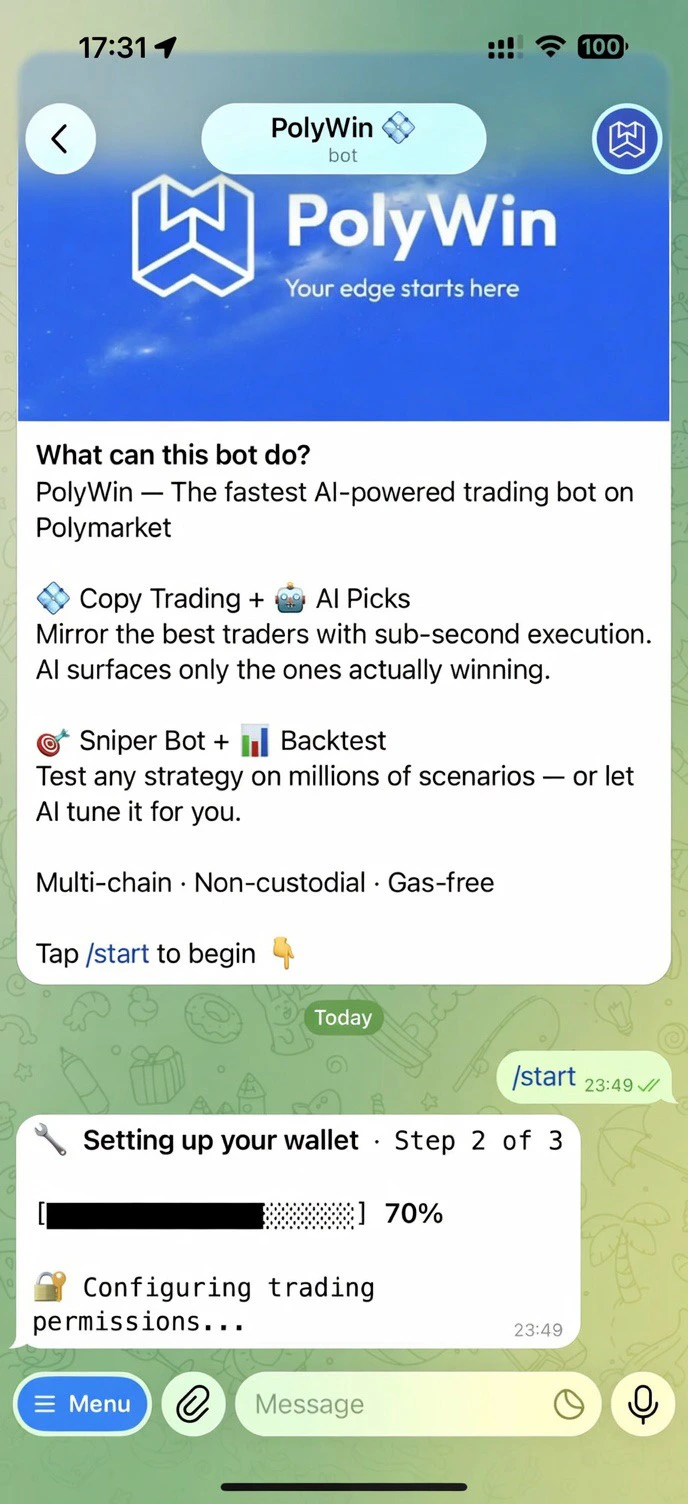
Stage 2 — configuring trading permissions
What happens on first start
1
Deploy
Your non-custodial wallet is created on Polygon.
2
Approve
Trading permissions are configured so you can buy and sell instantly with no per-trade signing.
3
Addresses
A unique deposit address is provisioned for 10 supported chains. Send a supported asset (USDC on Polygon, or any of the bridged options) to fund your account.
Your control
- Non-custodial — your wallet, your keys.
- Exportable — pull your private key out of the bot at any time.
- Two-factor authentication — protect access with TOTP from any authenticator app.
- Multi-wallet — add up to 5 wallets and switch between them.
Learn about wallet security
How encryption, 2FA, and exports work in PolyWin.